TrainLink
Training News and Information
Disability Services
Return to DSD training news and information page
Update your webinar attendance status in TrainLink
After attending a webinar, you can update your TrainLink attendance status for the session.
- Open the course for the webinar in TrainLink
- Find the webinar you’re enrolled in by clicking “My Transcript” on the left side of your TrainLink log in page and then
- Click “view my registration” under the course
|
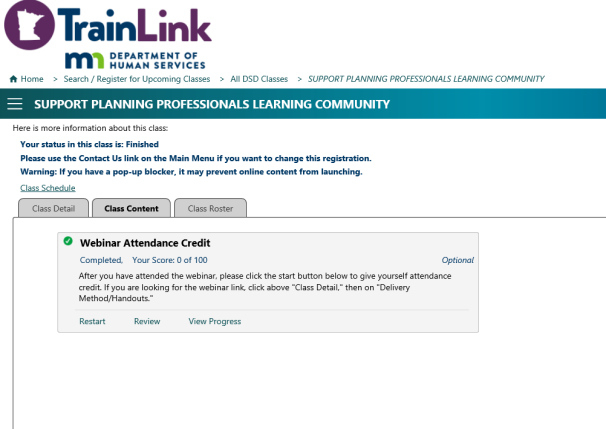
- Click on the “Class Content” tab
|
- Click on “start” in the lower left corner under “Webinar Attendance Credit”
|
 |
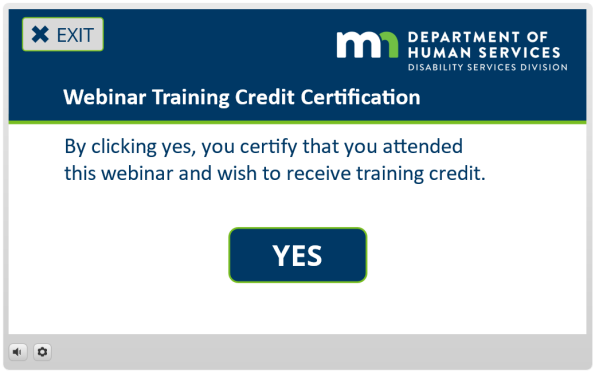
- A screen will pop up titled “Webinar Training Credit Certification.” Click the blue YES button in the middle of the screen.
|
 |
- The window will close after a few seconds.
|
- Now the webinar will show as “Finished” on your transcript.
|
 |
| |


 Report this page